

Library
Platform source material, knowledge packs, document metadata, graph relationships, and agent retrieval.
Library
The Library is Nenjo's source-material surface. It stores explicit knowledge and exposes it to agents through knowledge pack indexes, metadata search, graph traversal, and full-document reads.
Use the Library for material agents should be able to find, cite, and reason from:
- Architecture and product references
- Policies, procedures, and compliance rules
- Domain glossaries and taxonomies
- Research notes and source-backed guidance
- Project-relevant references that should stay explicit
Library knowledge is separate from project settings, memory, artifacts, and packages.
Resources it contains and manages
| Resource | What it manages |
|---|---|
| Knowledge packs | Named collections of source documents (platform-managed or package-installed) |
| Documents | Individual knowledge items with title, summary, selector, kind, tags, content, and version |
| Graph edges | Explicit depends_on, references, classifies, etc. relationships between documents for traversal |
| Indexes | Derived pack indexes and embeddings used by retrieval tools (search_knowledge, rendered {{ lib.<slug> }}) |
What belongs where
| Need | Use |
|---|---|
| Source material, policy, docs, references | Library |
| Learned preferences, corrections, recurring facts | Memory |
| Saved generated outputs or workspace files | Artifacts |
| Work items, dependencies, acceptance criteria | Project tasks |
| Short project orientation and metadata | Project settings |
| Versioned installable resource bundles | Packages |
Agent retrieval flow
Library variables render compact indexes, not full source content. When an agent needs Library material, it should:
- Use
list_knowledge_packsor a rendered{{ lib.<pack_slug> }}index to find available packs. - Use
search_knowledgeto find candidate documents. - Use
list_knowledge_neighborsto follow outgoing edges from the most relevant documents. - Use
read_knowledge_docfor the selected full documents. - Answer from the documents actually read.
This keeps prompts small and prevents agents from answering source-backed questions from summaries alone.
Graph and globe views
The Library UI is not only a document list. Use the visual views when the structure of the knowledge matters:
| View | Use it for |
|---|---|
| Globe | Seeing the whole pack at once: clusters, isolated documents, dense areas, and high-value hubs |
| Graph | Inspecting the local neighborhood around one document and checking its outgoing relationships |
| Document list | Searching, filtering, editing metadata, and opening source content |
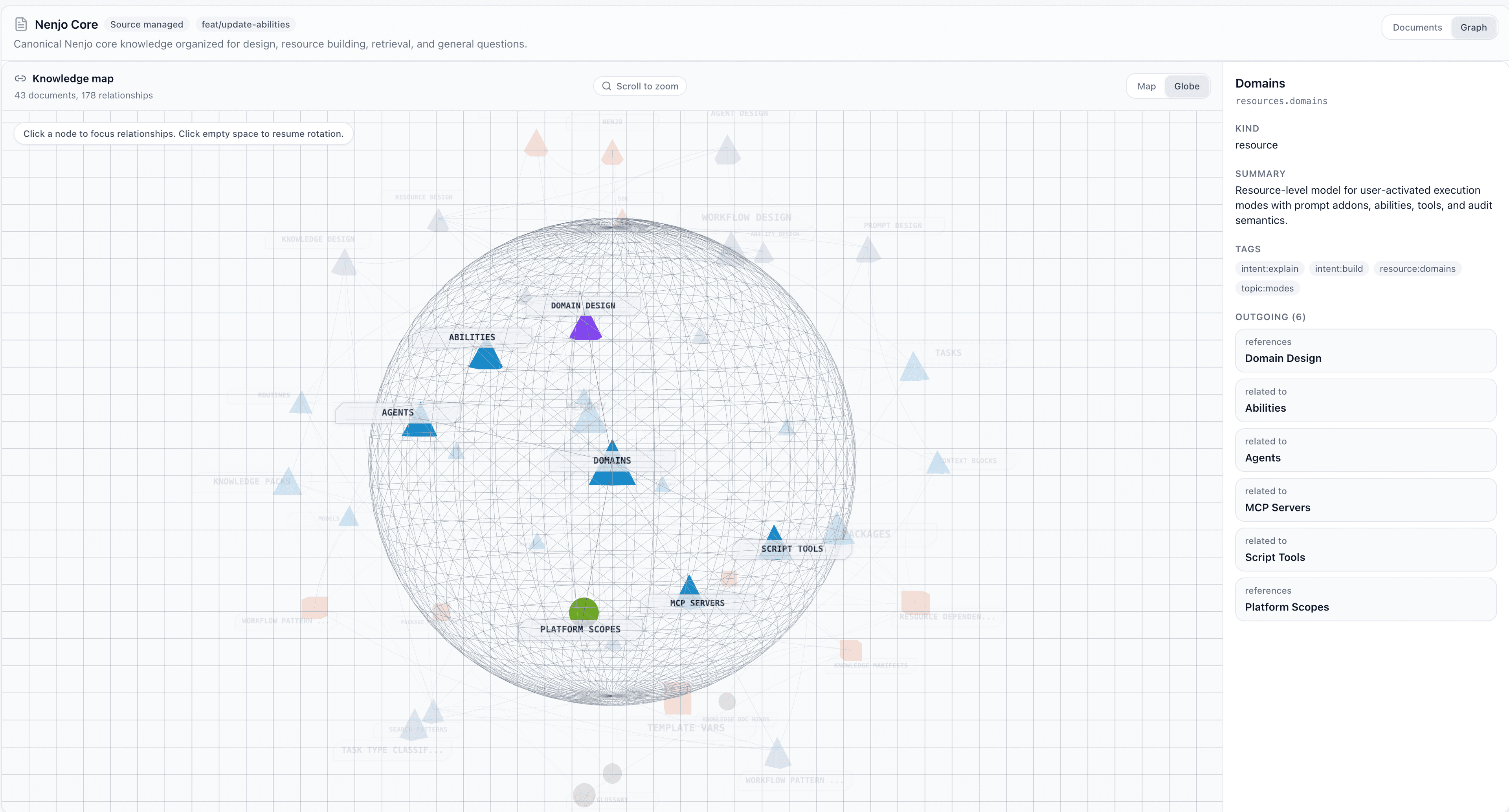
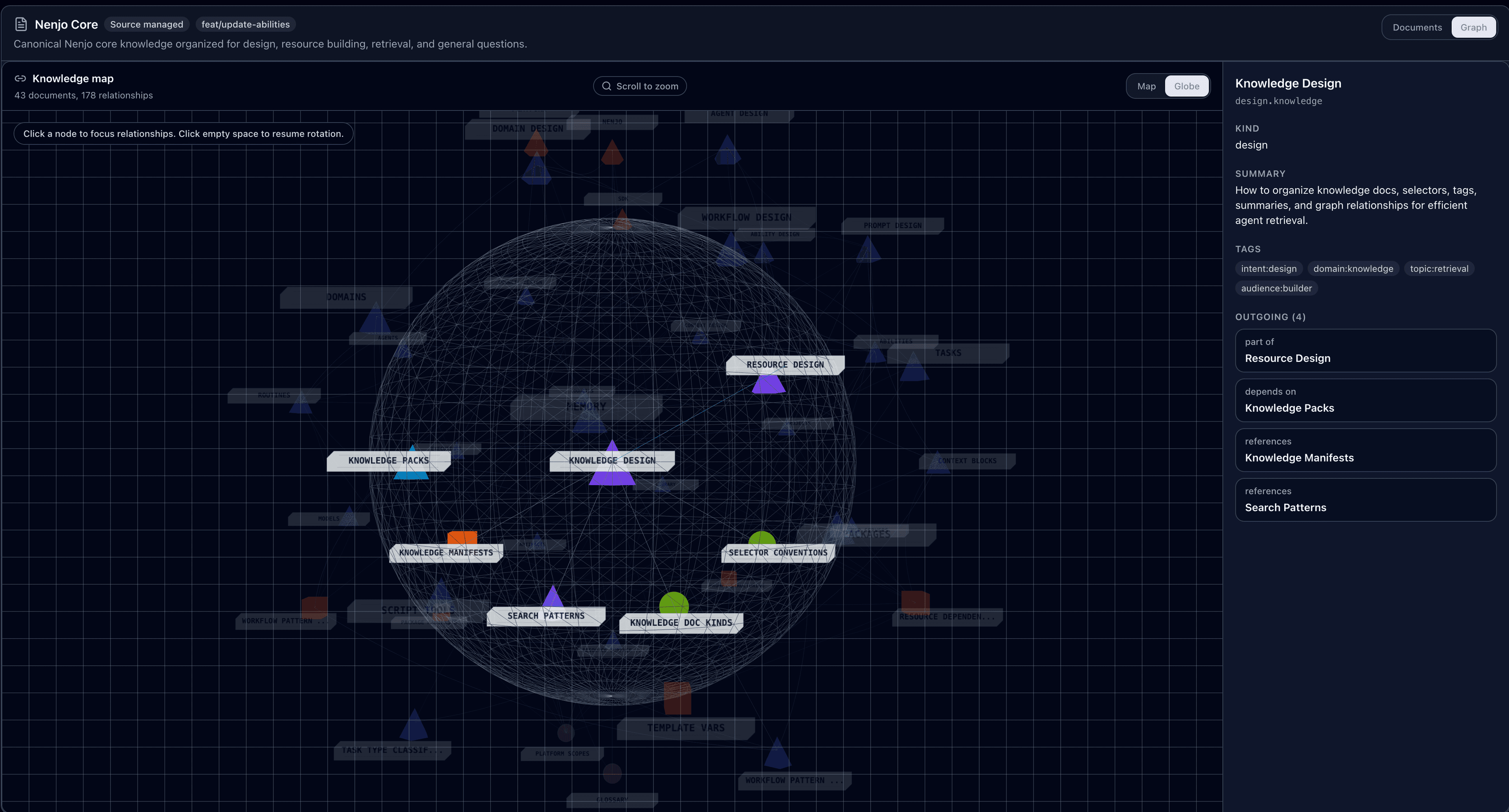
The globe helps humans spot missing structure before agents hit it at runtime. If an important policy, guide, or reference is isolated, an agent that starts from a nearby seed document will not naturally traverse to it. Add a meaningful outgoing edge from the seed material that should lead there.
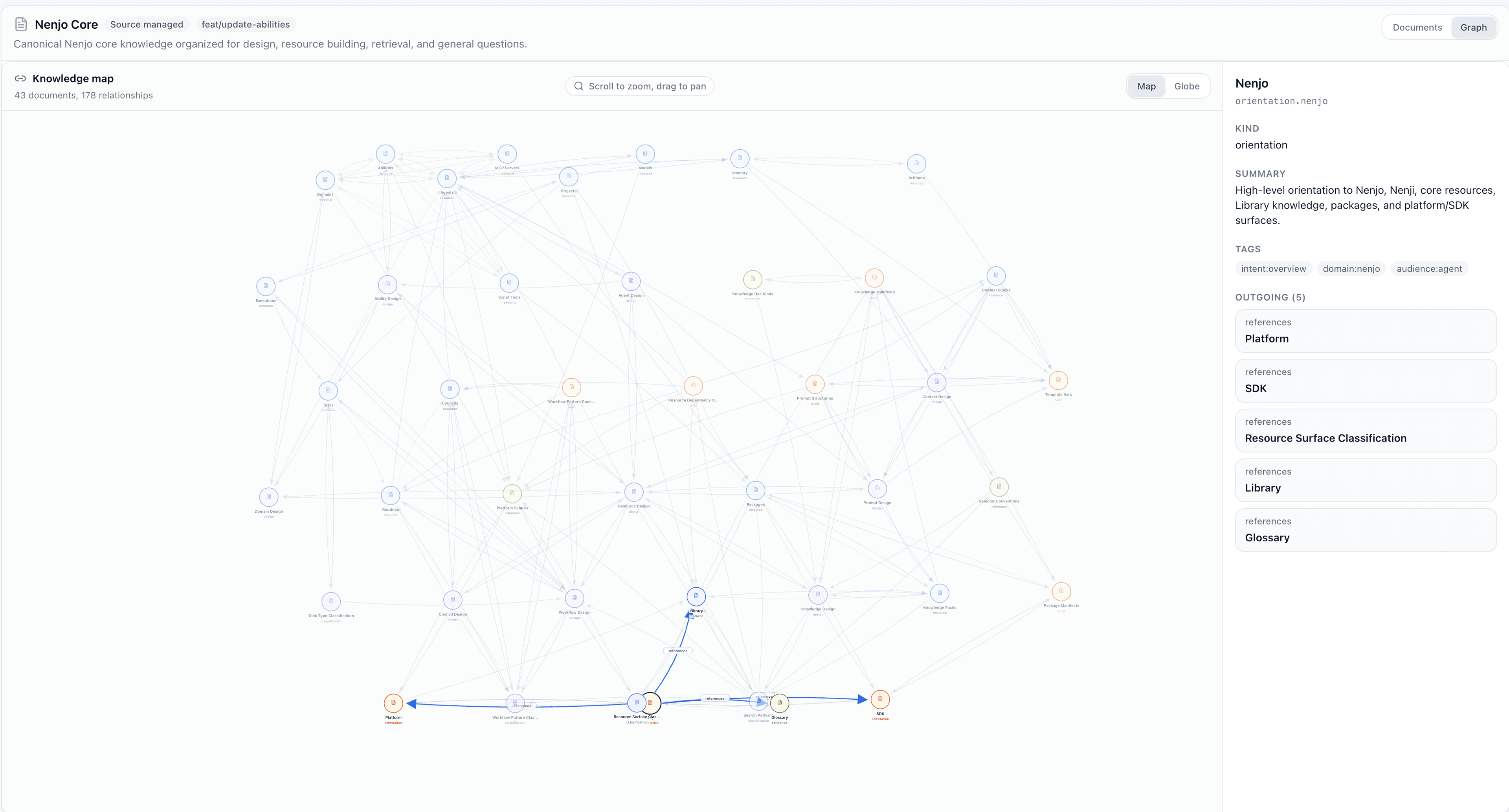
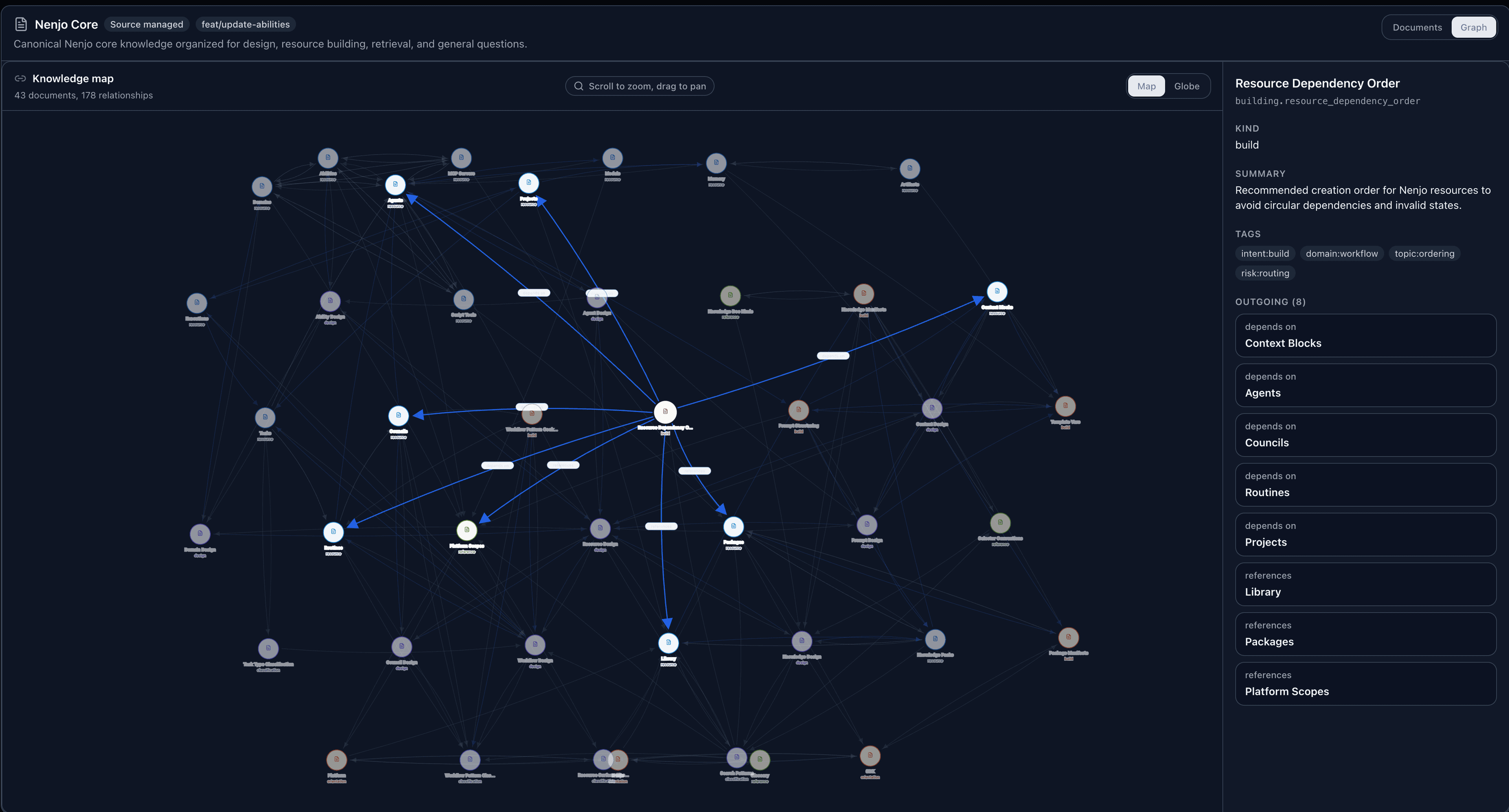
Access surface
Library retrieval uses knowledge:read; Library maintenance uses knowledge:write and the active write-enabled mode. Write access also implies read access. Agents should not treat package-installed knowledge as mutable. User-managed Library documents can be created, updated, and deleted. Library pack deletion removes pack metadata, documents, edges, and object storage completely.
Prompt example
Knowledge index:
{{ lib.product_docs }}

When the user asks for a policy, architecture, or reference-backed answer,
search the Library, read the selected source docs, and cite the document titles
or selectors used.
See Knowledge Graphs for the document/graph model and retrieval flow, and Authoring Library Knowledge for document shape.