

Packages
Add registries, browse packages and Claude plugins in the marketplace, and install them into your organization — applied to your harness live.
The dashboard is where you discover and install packages for your organization. It's the visual counterpart to the nenpm CLI: instead of editing an nenpm.yml by hand, you add registries, browse what's available, and install with a click. Installs are shared across the organization and applied to your connected harness automatically.
Resources it contains and manages
| Resource | What it manages |
|---|---|
| Registries | GitHub-backed sources of packages (owner/repo), org-scoped and ordered |
| Marketplace entries | Discoverable packages and Claude plugins with their versioned contents (agents, abilities, domains, context blocks, knowledge, routines, councils) |
| Installed packages | The resolved, pinned set of packages active for the organization (plus the lock state that harnesses consume via live sync) |
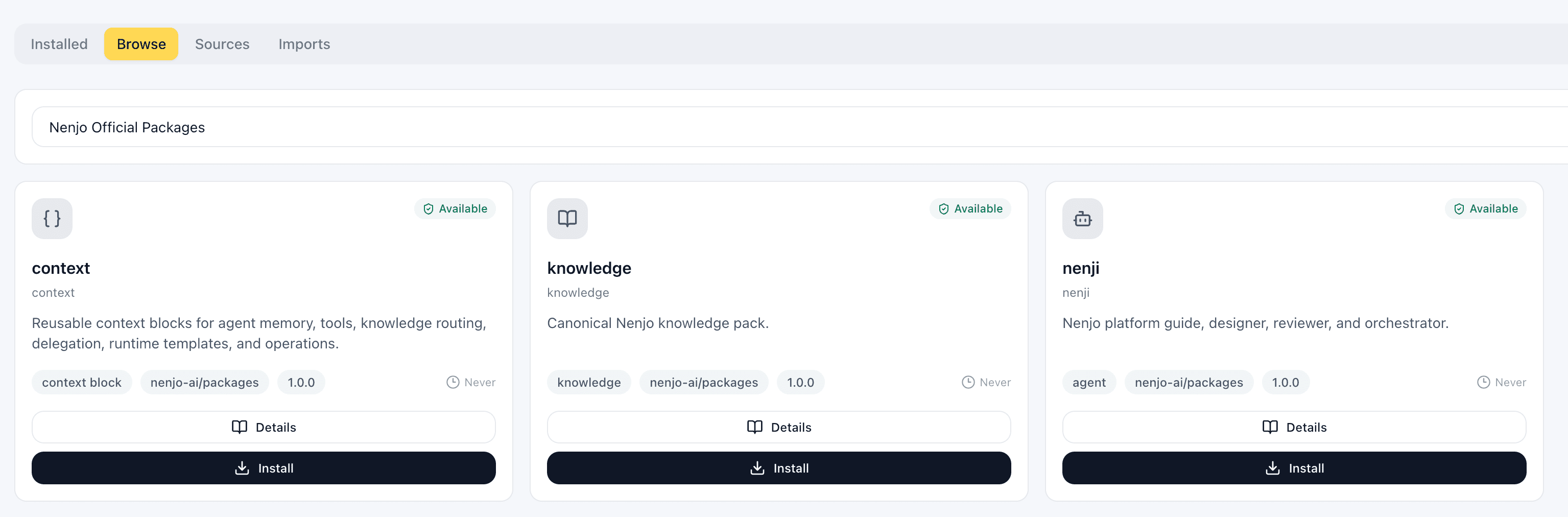
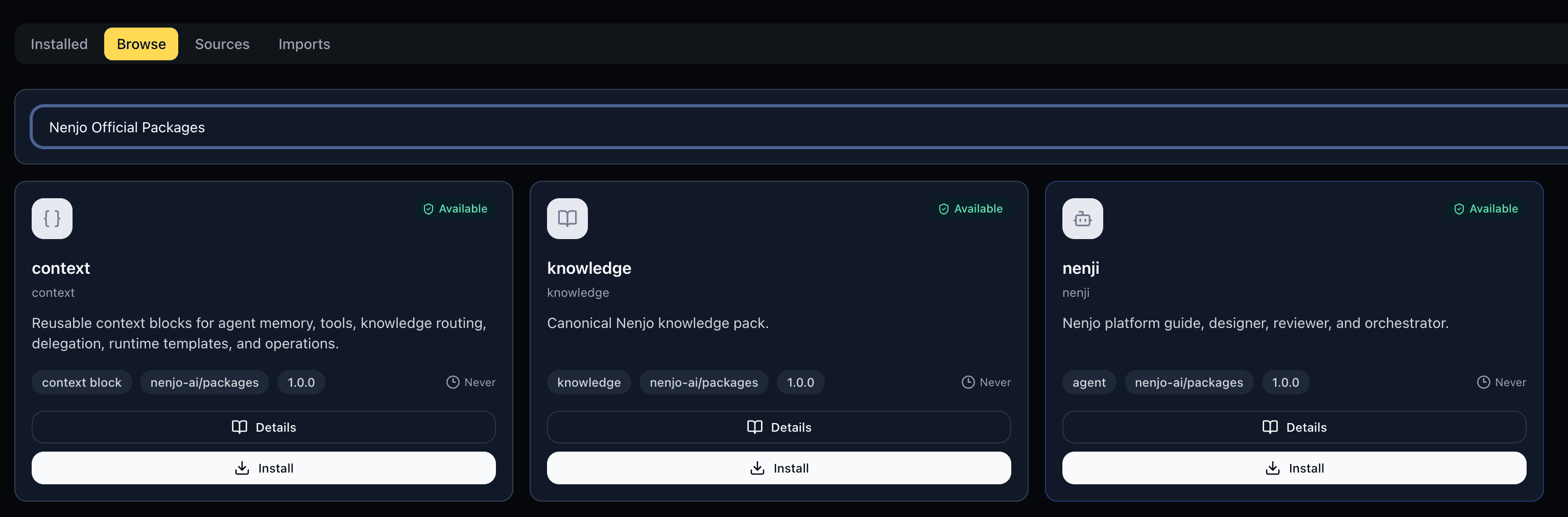
Add a registry
A registry is a source of packages. Add one by pointing the dashboard at a GitHub repository — its owner and repo — and the packages it publishes become available to your organization, scoped to that owner (for example @nenjo-ai/…).
Registries are an ordered, org-wide list, so everyone in the organization browses and installs from the same configured sources.
Browse the marketplace
The Marketplace lists what you can install from your configured registries, in two flavors:
- Packages — native Nenjo bundles of primitives and workflows (agents, abilities, domains, context blocks, knowledge, routines, councils).
- Claude plugins — a
.claude-pluginplugin is installable here too; its skills, commands, hooks, and MCP servers are adapted into the Nenjo package model and resolved alongside native packages.
Each entry shows its name, version, and what it contains so you can review a package before adding it.
Install
Installing a package resolves its full dependency graph, pins exact versions, and verifies package integrity — the same resolution the CLI performs, driven from the UI with a progress indicator. The Installed tab lists what your organization currently has so you can review or remove packages later.
Applied to your harness — live
Installing isn't a separate deploy step. Because your harness stays connected to the organization's event bus, an install (or update, or removal) is published to the bus and picked up by approved workers in place — no restart. You install in the dashboard; the resources it brings in become available to your running agents shortly after.
Prefer the CLI?
Everything here maps to nenpm, Nenjo's native package manager. The dashboard writes the same dependency and lock state the CLI does, so you can manage packages from whichever surface fits your workflow — a browsable marketplace in the platform, or nenpm add / nenpm install in your project.