

Routines
Build reusable routine graphs that manual and scheduled tasks can dispatch from the dashboard.
The Routines area is where you author and run routines — the directed graphs that turn a process into a repeatable, audited workflow.
Resources it contains and manages
| Resource | What it manages |
|---|---|
| Routines | Reusable workflow graphs that tasks can target |
| Councils | Multi-agent groups (leader + members + strategy) usable as routine steps |
It's organized into:
Schedules live on tasks, not routines. A manual or scheduled task chooses the routine it dispatches, so the same graph works for both one-off and recurring work. Councils remain available as routine steps.
The visual editor
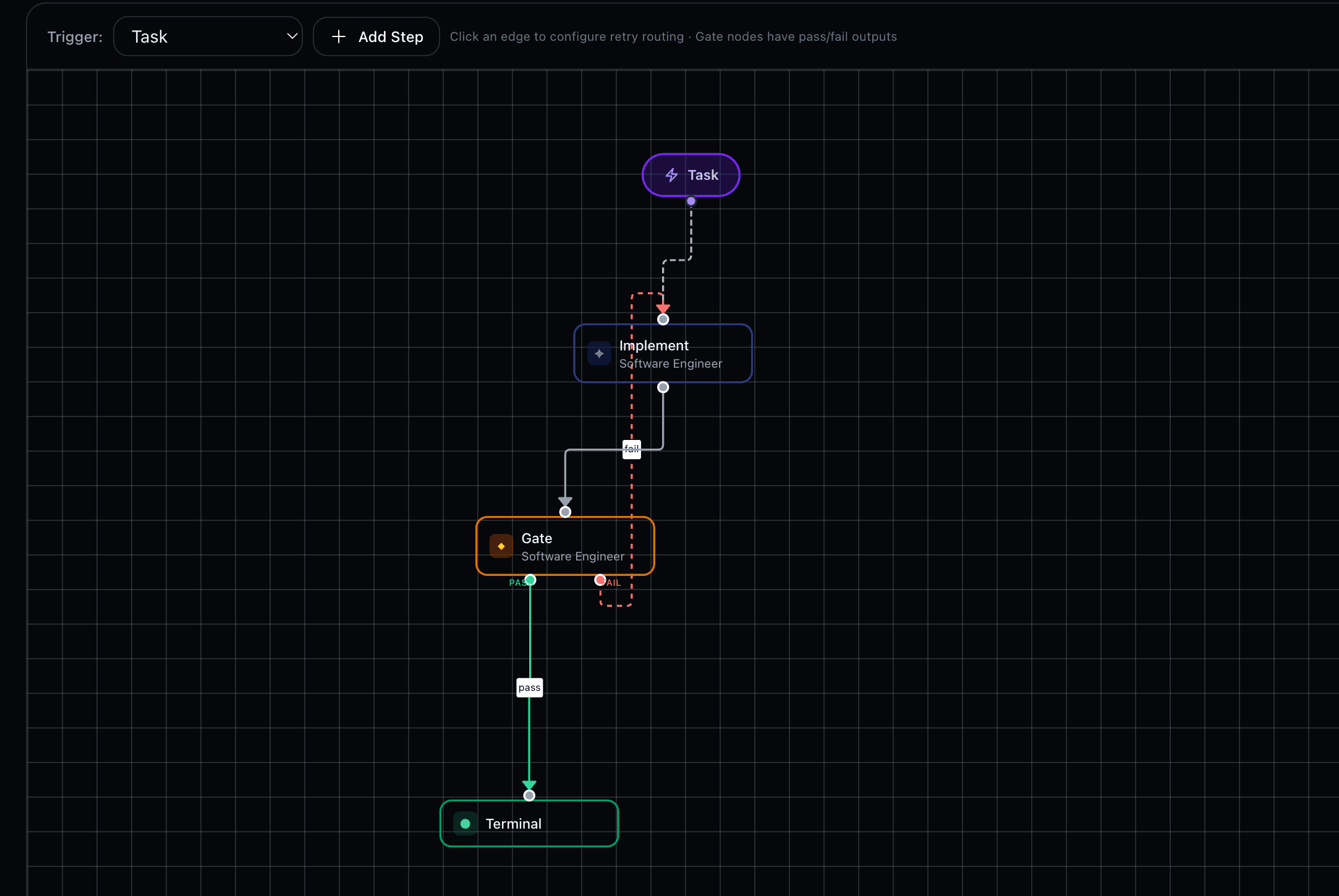
Opening a routine drops you into the graph editor: add steps (agent, gate, council, terminal), wire them with edges, and set each edge's condition (always, on_pass, on_fail). The editor reflects the same rules the runtime enforces — acyclic flow except a bounded gate retry loop, required terminals, and explicit owners per step.
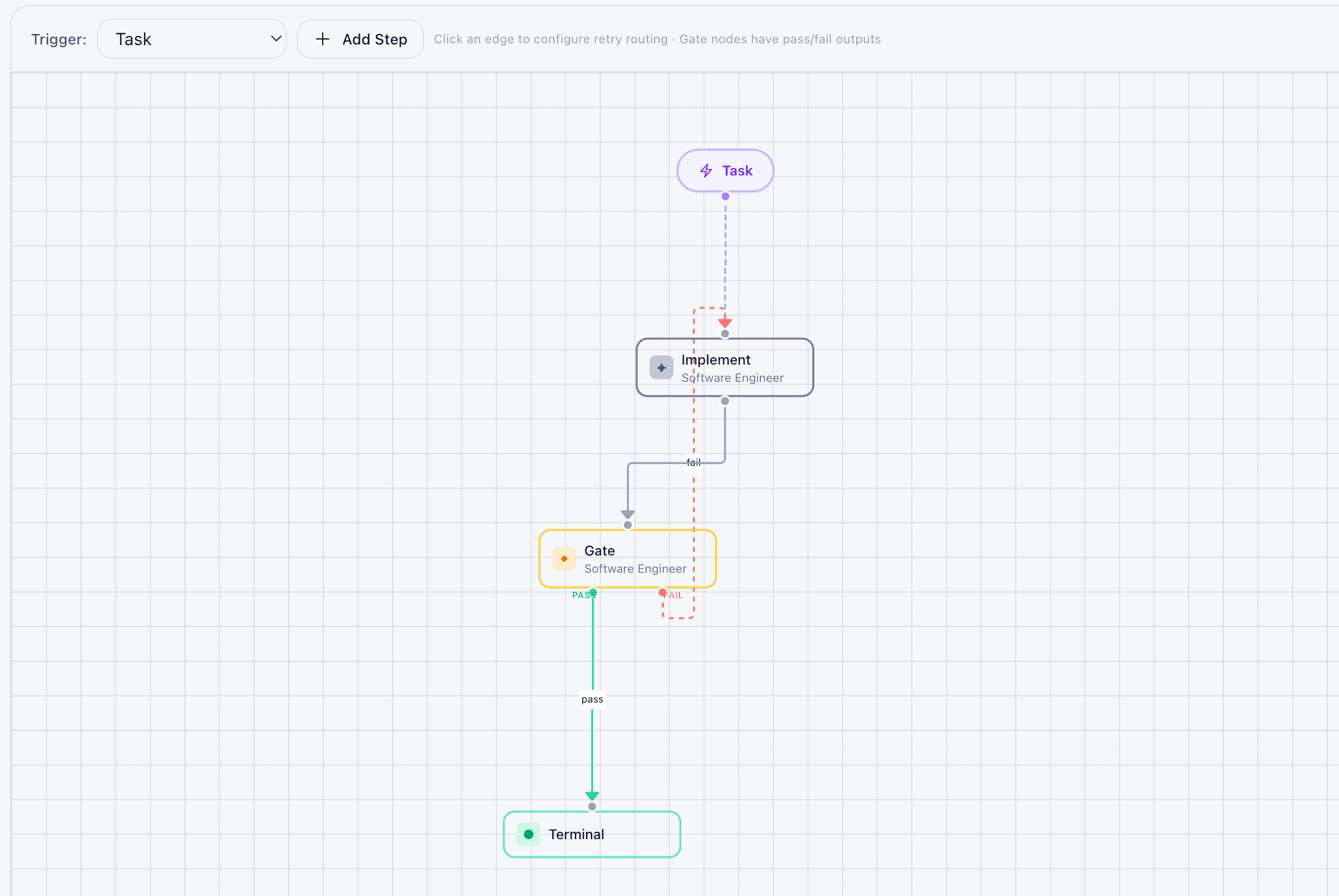
Saved changes sync to your connected harness live. For the graph model — step types, edge conditions, the asymmetric failure semantics, and patterns — see Routines.